
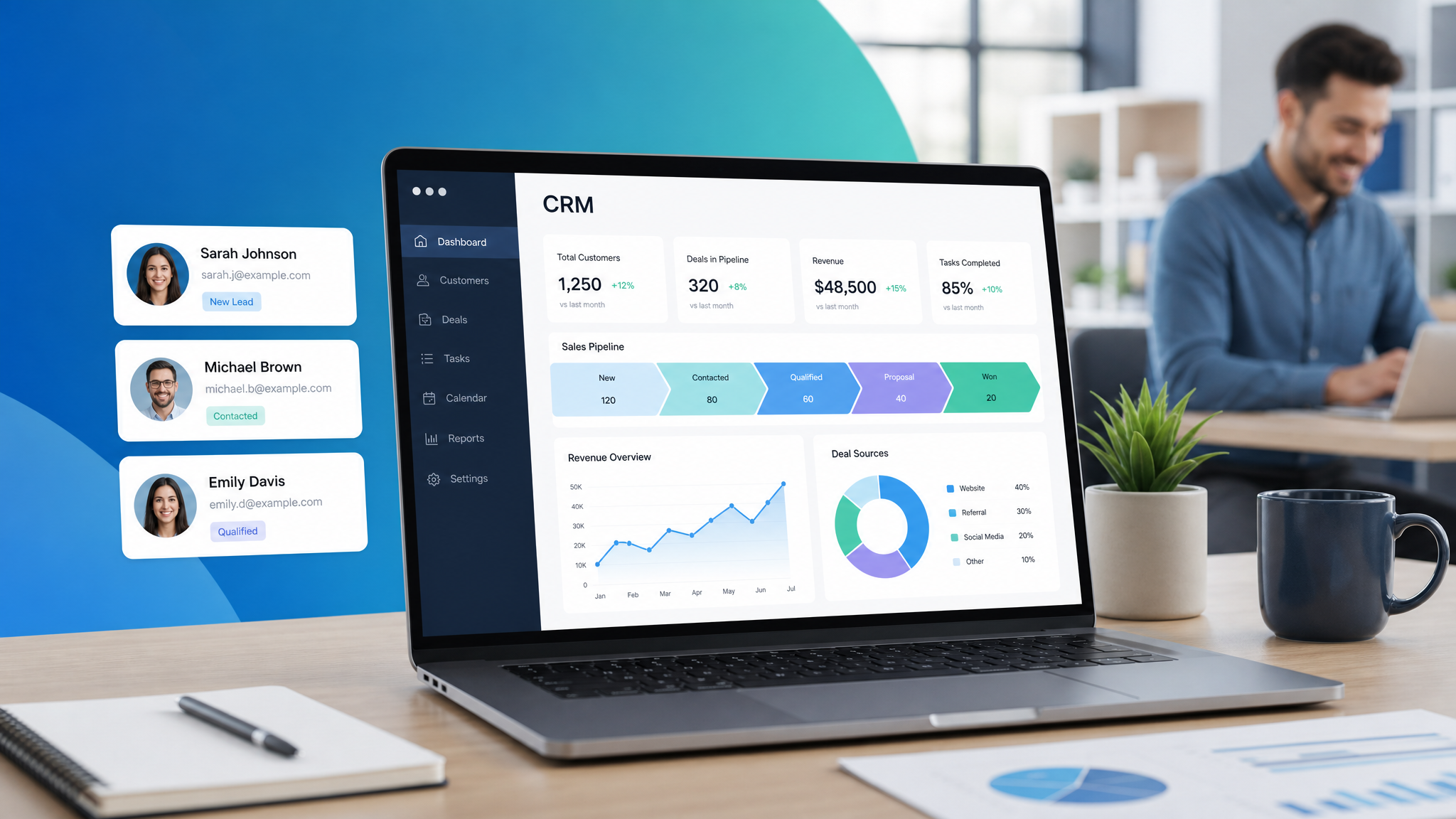
Choosing the right CRM for small business in 2026 can make or break your growth. 91% of businesses with 10+ employees now use a CRM. Yet only 50% of small businesses with under 10 employees have adopted one.
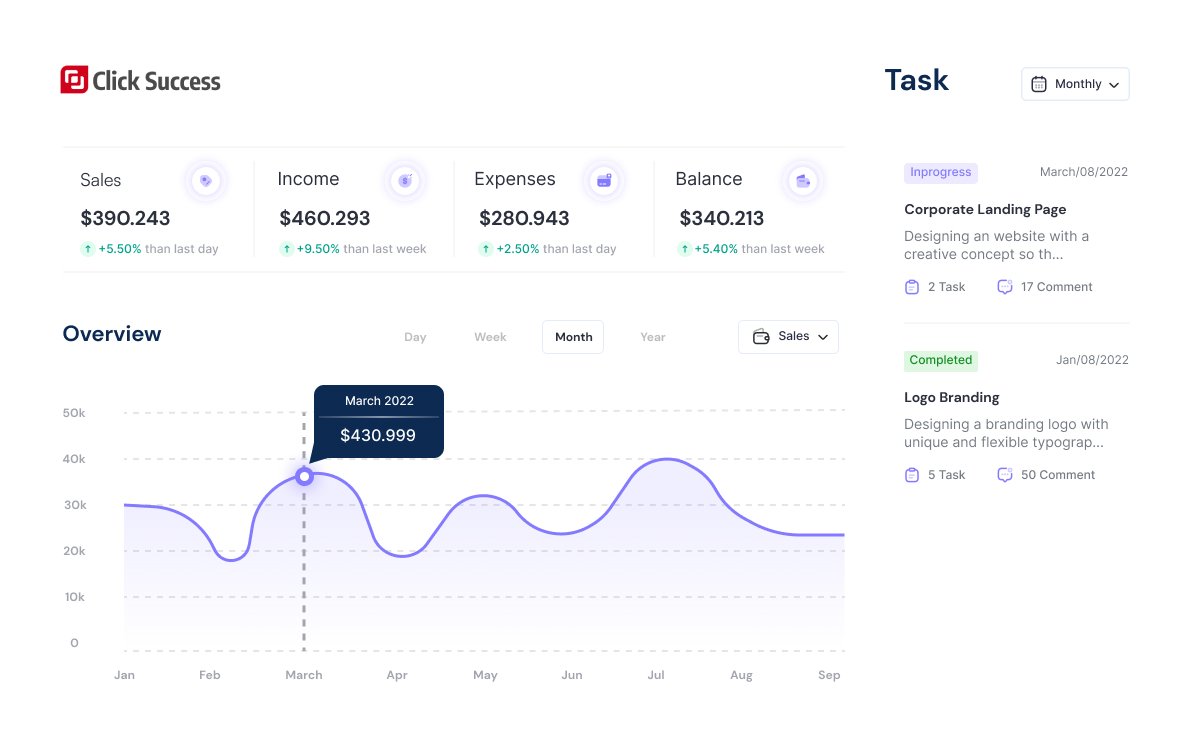
If you’re in the other 50%, you’re leaving money on the table. A CRM doesn’t just organize contacts — it automates follow-ups, tracks deals, and gives you visibility into your sales pipeline.
In this guide, you’ll learn what a CRM is, why your small business needs one, and how to choose and implement the right CRM without the complexity of enterprise systems.
What Is CRM for Small Business in 2026?
CRM stands for Customer Relationship Management. It’s software that helps you manage interactions with current and potential customers.
At its simplest, a CRM replaces your spreadsheets, sticky notes, and “I think I followed up with them” mental tracking.
A CRM tracks:
- Who your leads and customers are (contact information)
- What interactions you’ve had (emails, calls, meetings)
- Where they are in your sales process (pipeline stage)
- What needs to happen next (tasks, follow-ups, reminders)
Why Small Businesses Need a CRM
The Spreadsheet Problem
Most small businesses start with spreadsheets. And for the first 50 contacts, it works. But then:
- Colin follows up with a lead — Sarah doesn’t know and follows up again
- A hot lead goes cold because nobody remembered to check in
- You can’t remember if you sent the proposal to Client X or Client Y
- Your “sales forecast” is a gut feeling
What a CRM Changes
| Without CRM | With CRM |
| Leads fall through the cracks | Every lead has a follow-up task |
| No visibility into pipeline | See exactly how many deals are at each stage |
| Manual, repetitive data entry | Automations handle follow-ups and reminders |
| Gut-feel decisions | Data-driven decisions |
| One person holds all the knowledge | Team shares customer history |
The ROI of CRM
- CRM improves sales by 29% on average (Salesforce Research)
- CRM increases sales productivity by 34% (Nucleus Research)
- CRM improves customer retention by 27% (Capterra)
- The average ROI of CRM is $8.71 for every dollar spent
Key Features to Look for in a Small Business CRM
1. Contact Management
Must have: Store names, emails, phone numbers, companies, and custom fields relevant to your business.
Nice to have: Automatic contact enrichment (pulls in social profiles, company info).
2. Deal and Pipeline Management
Must have: Visual sales pipeline with customizable stages (e.g., Lead → Contacted → Demo → Proposal → Won).
Nice to have: Drag-and-drop deal movement, deal value tracking, win probability.
3. Email Integration
Must have: Send and receive emails from within the CRM. Track opens and clicks.
Nice to have: Email templates, sequences, and automation.
4. Task and Activity Management
Must have: Tasks, reminders, and calendar sync. “Follow up with Sarah in 3 days.”
Nice to have: Automated task creation based on deal stage changes.
5. Marketing Automation
Must have: Email marketing integration or built-in email sending.
Nice to have: Full marketing automation — triggers, workflows, lead nurturing sequences.
6. Reporting and Analytics
Must have: Pipeline report (deals by stage), sales forecast, activity report.
Nice to have: Custom dashboards, revenue attribution, goal tracking.
7. Integrations
Must have: Integrates with your email platform, calendar, and website.
Nice to have: Native integrations with your accounting, payment, and e-commerce tools.
8. Ease of Use
The #1 reason small businesses abandon CRM: it’s too complicated. Your CRM should be simple enough that your whole team uses it without extensive training.
How to Choose a CRM: A Simple Framework
Step 1: Define Your Requirements
Answer these questions:
- How many users will need access?
- What’s your monthly budget?
- What’s your sales process? (Simple: lead → won. Complex: multiple stages with approvals.)
- Do you need marketing automation or just sales tracking?
- What tools does your CRM need to integrate with?
Step 2: Shortlist Based on Your Size
| Your Size | CRM Type | Examples |
| Solo (just you) | Lightweight CRM with email | HubSpot Free, ClickSuccess CRM |
| 2-10 people | Small business CRM | ClickSuccess, Zoho, Pipedrive |
| 10-50 people | Mid-market CRM | HubSpot, Salesforce Essentials |
| 50+ people | Enterprise CRM | Salesforce, Microsoft Dynamics |
Step 3: Test with a Free Trial
Take your shortlist and test each one for 3-5 days. Import 20 real contacts. Run through your actual sales process. See which one feels natural.
Step 4: Evaluate Support and Onboarding
When you have a question at 4 PM on a Friday, will someone answer? Check:
- Response time to support emails during your trial
- Quality of documentation and tutorials
- Availability of live chat or phone support
CRM Implementation: A 30-Day Plan
Week 1: Setup and Import
- Set up your pipeline stages
- Create custom fields for data you need
- Import contacts from your spreadsheet
- Install email integration
Week 2: Team Adoption
- Train your team (1 hour session)
- Set up each person’s dashboard
- Create the first few deals together
- Establish the rule: “If it’s not in the CRM, it didn’t happen”
Week 3: Automate
- Set up task reminders for follow-ups
- Create email templates for common messages
- Set up lead capture from your website
- Configure deal stage automations
Week 4: Review and Optimize
- Review your pipeline: are deals moving through?
- Check adoption: is everyone using the CRM?
- Tweak pipeline stages if needed
- Set up your first report
5 CRM Mistakes Small Businesses Make
1. Choosing a CRM That’s Too Complex
Salesforce is powerful. It’s also massive overkill for a 5-person business. Pick a CRM that matches your complexity level — not the one with the most features.
2. Not Enforcing CRM Usage
A CRM only works if everyone uses it. If one person keeps deals in their head, the system breaks. Make CRM usage non-negotiable.
3. Overcomplicating the Pipeline
20 pipeline stages for a 5-person sales team is too many. Start with 4-6 stages. You can add more later.
4. Neglecting Data Quality
Garbage in, garbage out. Deduplicate contacts monthly. Archive old deals. Keep your CRM clean.
5. Using CRM as an Address Book
If you’re only storing contact info, you’re using 10% of your CRM’s value. Use the pipeline, tasks, automations, and reports.
CRM + Email Marketing: The Power Combo
A CRM and email marketing platform that work together create a growth engine:
- Website visitor → Signs up for lead magnet → CRM creates contact
- Email automation → Sends nurture sequence → Tracks opens and clicks → CRM updates lead score
- Lead score hits threshold → CRM notifies sales → Task created: “Follow up”
- Sales calls lead → Logs call in CRM → Moves deal to “Proposal” stage
- Deal won → CRM updates → Email automation sends onboarding sequence
This is the difference between a CRM that’s a digital rolodex and one that actively grows your business.
A CRM isn’t an expense — it’s an investment in not dropping the ball on your next customer. For a small business, one missed follow-up can mean a lost deal worth thousands. A CRM makes sure that never happens.
_Ready to get organized? Try ClickSuccess CRM — built for small businesses. Free plan available._
For CRM comparison data, visit G2’s CRM category reviews.
 English
 Vietnamese