
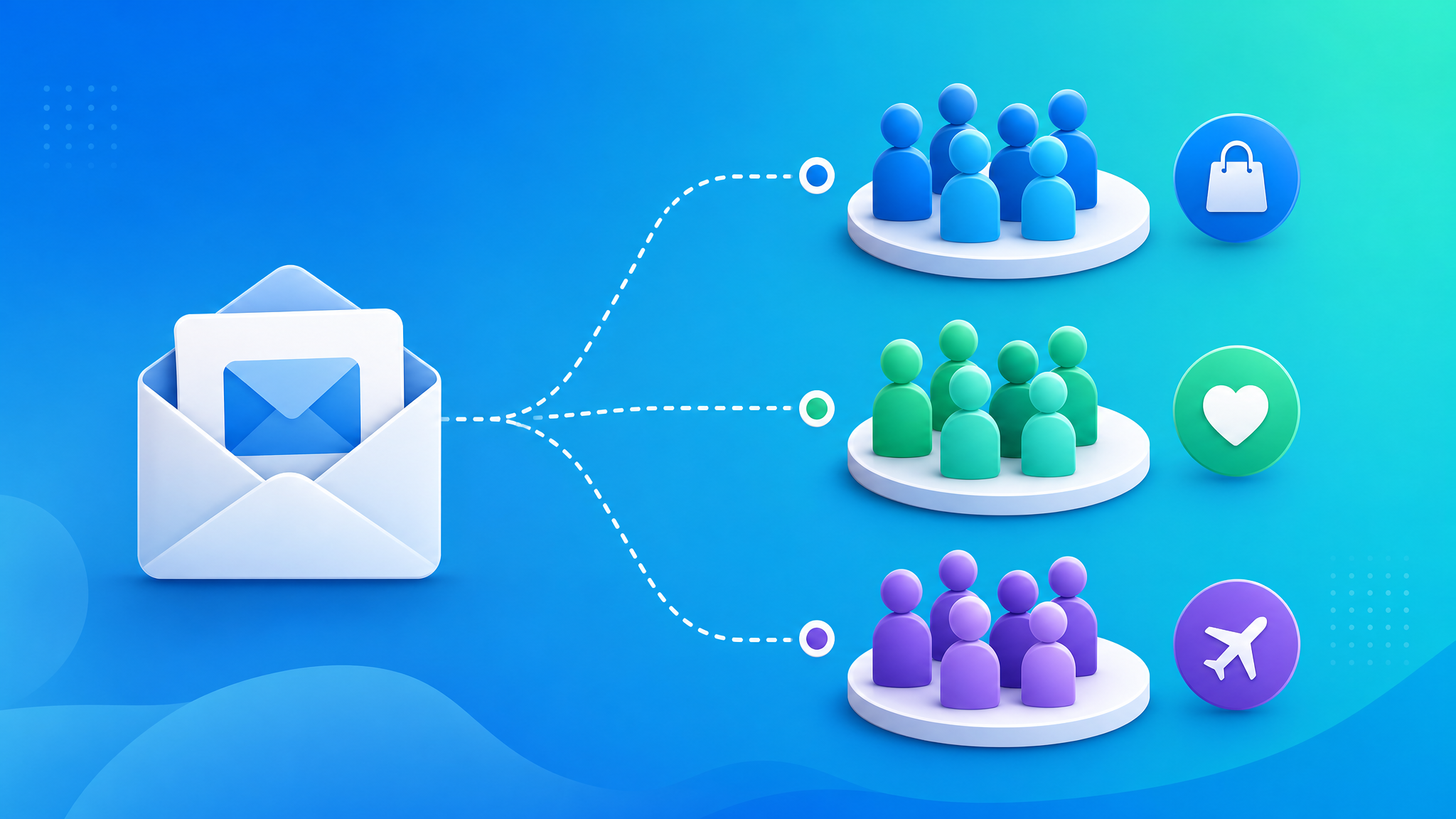
Marketers who use segmented campaigns see a 760% increase in revenue. Yet 70% of brands still send the same email to everyone on their list.
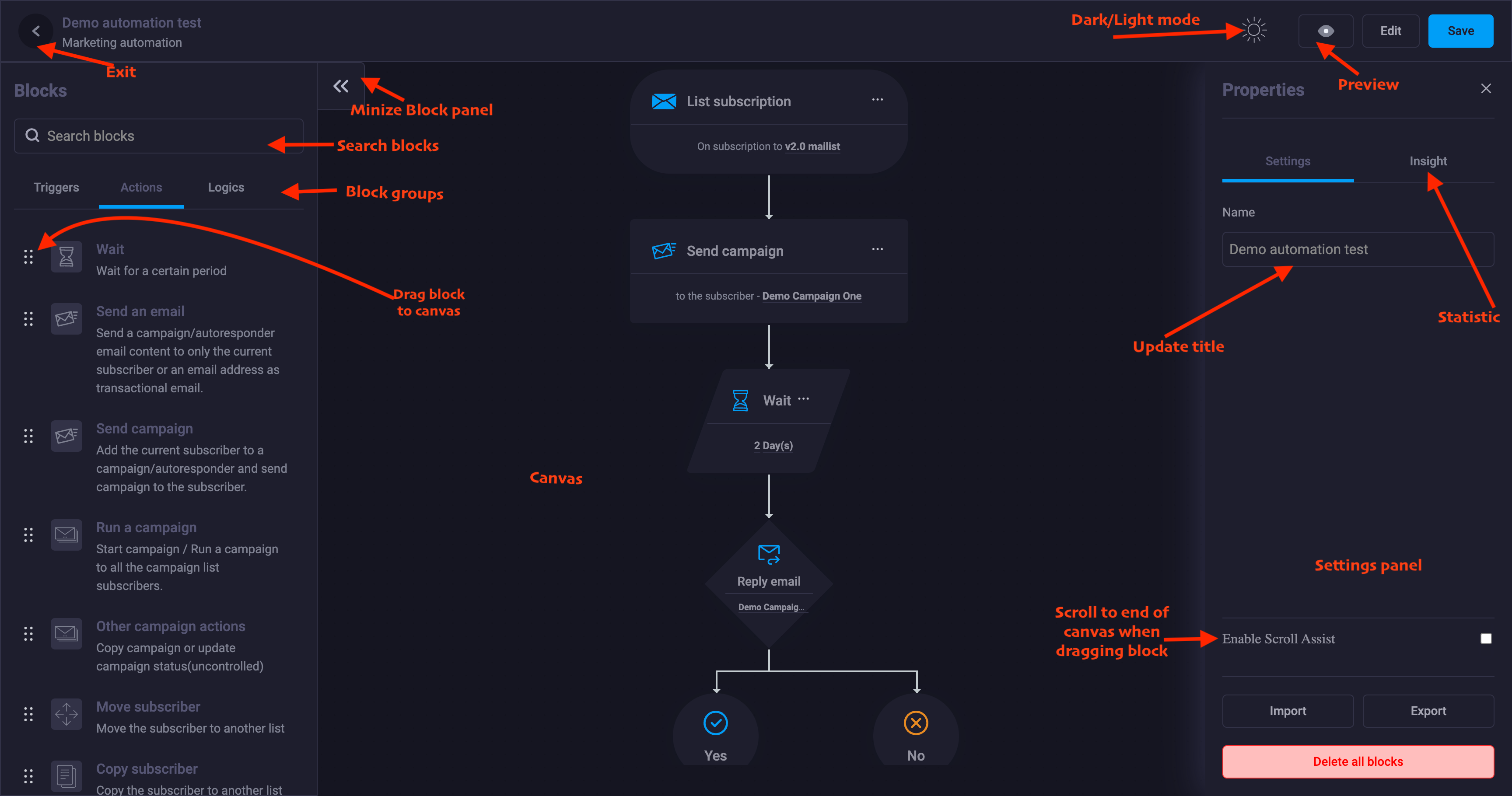
Email segmentation is the single highest-leverage strategy in email marketing. It costs nothing extra, takes a few hours to set up, and permanently increases the performance of every campaign you send.
In this guide, you’ll learn what email segmentation is, why it matters, and 15 practical ways to segment your email list — with examples you can implement today.
What Is an Email Segmentation Strategy?
Email segmentation is the practice of dividing your email list into smaller groups (segments) based on specific criteria, so you can send more relevant, targeted emails to each group.
Non-segmented: “Here’s our latest blog post” → sent to everyone
Segmented: “Here are 3 SEO tips” → sent to subscribers who downloaded your SEO guide
Why Segmentation Drives 760% More Revenue
| Metric | Non-Segmented | Segmented |
| Open rate | 21% | 42% |
| Click-through rate | 2.6% | 8.2% |
| Conversion rate | 0.5% | 4.5% |
| Revenue per email | $0.07 | $0.26 |
| Unsubscribe rate | 0.5% | 0.1% |
Source: DMA, Mailchimp, Campaign Monitor
The math is simple: relevant emails get opened, clicked, and acted upon. Irrelevant emails get ignored — or worse, marked as spam.
15 Ways to Segment Your Email List
1. Demographic Segmentation
Segment based on who the subscriber is.
Fields to use: Age, gender, location, job title, industry, company size
Example:
- Segment: Subscribers in the healthcare industry
- Email: “HIPAA-compliant email marketing: what you need to know”
- Why it works: Industry-specific content feels custom-made
2. Geographic Segmentation
Location data enables timezone-optimized sending and local content.
Example:
- Segment: Subscribers in Australia
- Email: Send at 9 AM AEST (not 9 AM EST)
- Why it works: Emails arrive during business hours, not 3 AM
3. Lead Source Segmentation
Where did the subscriber come from? Different sources = different intent.
Example:
- Segment: Subscribers from a Facebook ad about “email automation”
- Email: Content focused on automation workflows and time-saving
- Segment: Subscribers from a blog post about “email deliverability”
- Email: Content focused on inbox placement and spam prevention
4. Content Interest Segmentation
What topics have they engaged with?
How to do it:
- Tag subscribers when they click a link about a specific topic
- Tag subscribers based on which lead magnet they downloaded
- Tag subscribers based on which blog categories they visit
5. Engagement Level Segmentation
Not all subscribers are equally engaged. Segment by recency and frequency.
Example:
| Segment | Criteria | Strategy |
| Highly engaged | Opened 3+ emails in the last 30 days | Send frequently, ask for referrals |
| Moderately engaged | Opened 1-2 emails in the last 30 days | Send regularly, nurture with best content |
| Disengaged | No opens in 30-60 days | Reduce frequency, send re-engagement campaign |
| Inactive | No opens in 60+ days | Re-engagement or suppress |
6. Purchase History Segmentation
What have they bought? When? How often? How much?
Examples:
- Segment: One-time buyers
- Email: “Customers who bought X also love Y”
- Segment: High-value customers (LTV > $500)
- Email: VIP early access to new products
- Segment: Customers who haven’t purchased in 90 days
- Email: “We miss you — here’s 15% off your next order”
7. Customer Lifecycle Stage
| Stage | Strategy |
| New subscriber (0-30 days) | Welcome sequence, brand introduction |
| Active lead (engaged, not purchased) | Case studies, demos, trial offers |
| First-time customer | Onboarding, product tips, thank you |
| Repeat customer | Upsell, cross-sell, loyalty rewards |
| At-risk customer (no purchase in 90 days) | Re-engagement offers, feedback surveys |
| Churned customer | Win-back campaign, exit survey |
8. Email Behavior Segmentation
How do they interact with your emails?
Examples:
- Segment: Subscribers who click links but never buy → “What’s holding you back?” email
- Segment: Subscribers who open but never click → Test different CTAs
- Segment: Subscribers who always open → Ask for a testimonial or review
- Segment: Subscribers who reply to emails → Personal outreach from your team
9. Website Behavior Segmentation
Track what pages they visit on your website.
Examples:
- Visited pricing page 3+ times → “Ready to get started? Here’s a demo”
- Visited a specific product page → Case study about that product
- Visited your careers page → They might not be a buyer; adjust messaging
- Abandoned a form halfway → “Did you have a question? Reply to this email”
10. Lead Score Segmentation
Assign points for actions and segment by score.
Scoring example:
- Opens email: +5
- Clicks link: +15
- Visits pricing page: +30
- Downloads case study: +25
- Starts free trial: +50
Segments:
- Score < 50: Educational content, nurture
- Score 50-75: Case studies, social proof
- Score 75+: Demo offer, sales outreach
11. Email Preference Segmentation
Let subscribers tell you what they want.
Ask on signup or via preference center:
- “What topics interest you?” (multiple choice)
- “How often do you want to hear from us?” (weekly, monthly, quarterly)
- “What type of content do you prefer?” (tips, case studies, product updates)
12. Survey and Feedback Segmentation
Use survey responses to segment.
Example:
- Segment: Respondents who rated their experience 4-5 stars → Ask for review
- Segment: Respondents who rated 1-3 stars → Support follow-up
- Segment: Respondents interested in feature X → Announce when feature X launches
13. Abandoned Cart Segmentation
Segment based on what they abandoned and the cart value.
Examples:
- Cart value > $200 → Offer free shipping
- Cart value < $50 → Offer 10% discount
- First-time abandoner → Gentle reminder
- Repeat abandoner (3+ times) → “What’s stopping you?” email
14. Language and Culture Segmentation
If you have an international audience:
- Send emails in their preferred language
- Respect local holidays and cultural norms
- Adjust product recommendations for regional availability
15. Tag-Based Dynamic Segments
Tags are the most flexible way to segment. Create tags for:
- Lead magnet downloaded
- Webinar attended
- Feature used in free trial
- Support ticket submitted
- Payment method used
- Referral source
Then combine tags: “Downloaded SEO guide AND visited pricing page AND hasn’t purchased”
How to Start Segmenting: A Practical Approach
If you’re not segmenting at all, don’t try to implement all 15 strategies at once. Start here:
Week 1: Engagement Segmentation
Create 3 segments: Engaged, Disengaged, Inactive. Send a re-engagement campaign to the disengaged group.
Week 2: Lead Source Segmentation
Tag new subscribers by how they found you. Send a welcome sequence tailored to their interest.
Week 3: Purchase History Segmentation
Segment customers by purchase recency. Send a win-back campaign to those who haven’t purchased in 90 days.
Week 4: Combine and Refine
Create one combined segment (e.g., “Engaged + Downloaded lead magnet X + Hasn’t purchased”). Send a targeted offer.
Segmentation Tools You Need
Most email marketing platforms support segmentation. Look for:
- Custom fields — For storing demographic and preference data
- Tags — For behavioral tracking
- Dynamic segments — Segments that update automatically based on conditions
- Activity filters — “Opened in the last X days”, “Clicked in the last Y days”
- E-commerce integration — Purchase data synced automatically
The Bottom Line
Email segmentation isn’t optional anymore. With inbox competition at an all-time high, the brands that win are the ones that send the right message to the right person at the right time.
Start with one segment. Add another next week. In a month, you’ll wonder why you ever sent the same email to everyone.
_Ready to segment your email list? Try ClickSuccess — advanced segmentation, custom fields, tags, and dynamic lists included._
Learn more about segmentation from Mailchimp’s email segmentation guide.


 English
 Vietnamese