
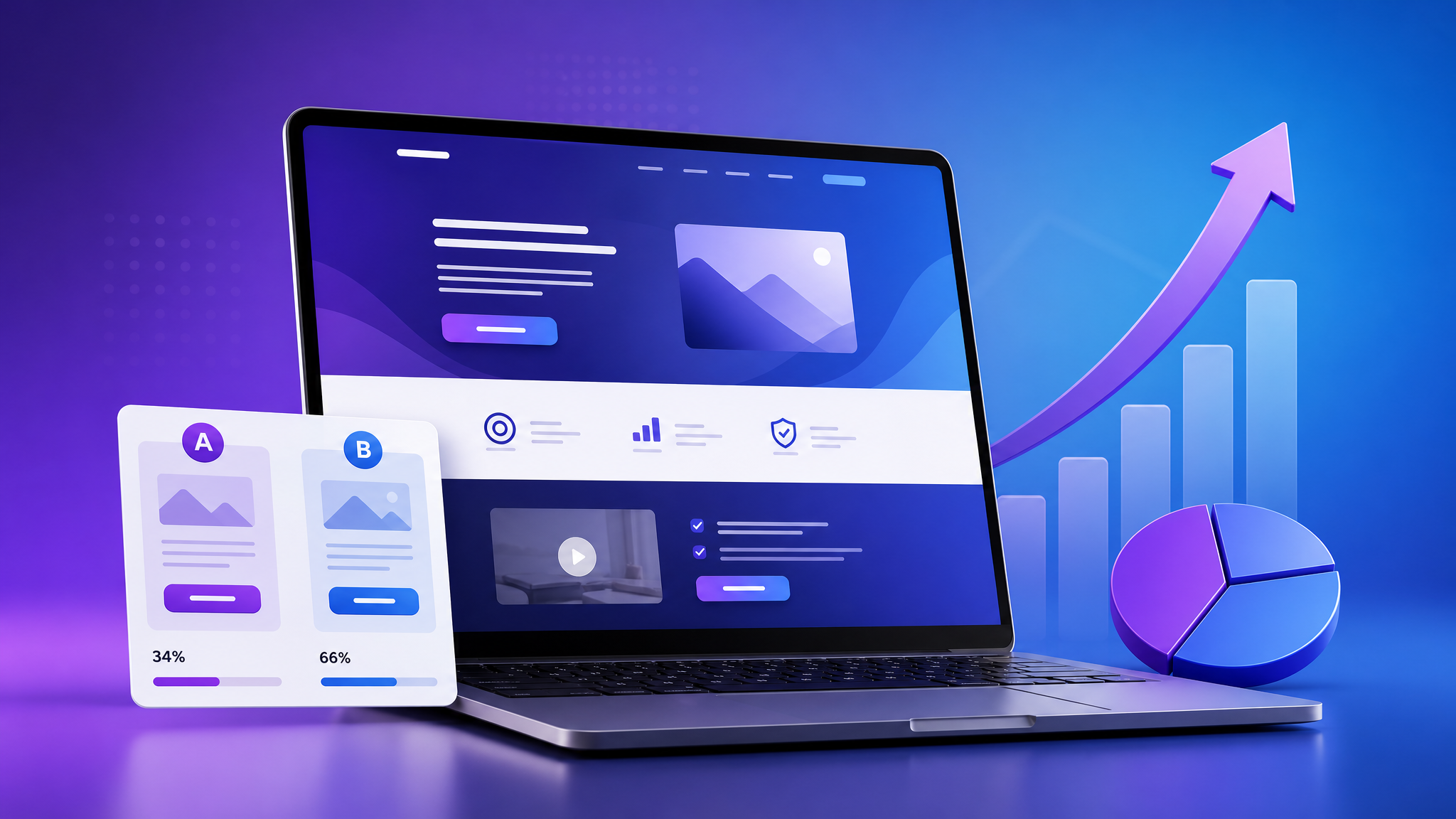
Landing page optimization strategies directly impact your conversion rates. The average landing page conversion rate is just 2.35%. The top 25% of landing pages convert at 5.31%. The best convert at 11% or higher.
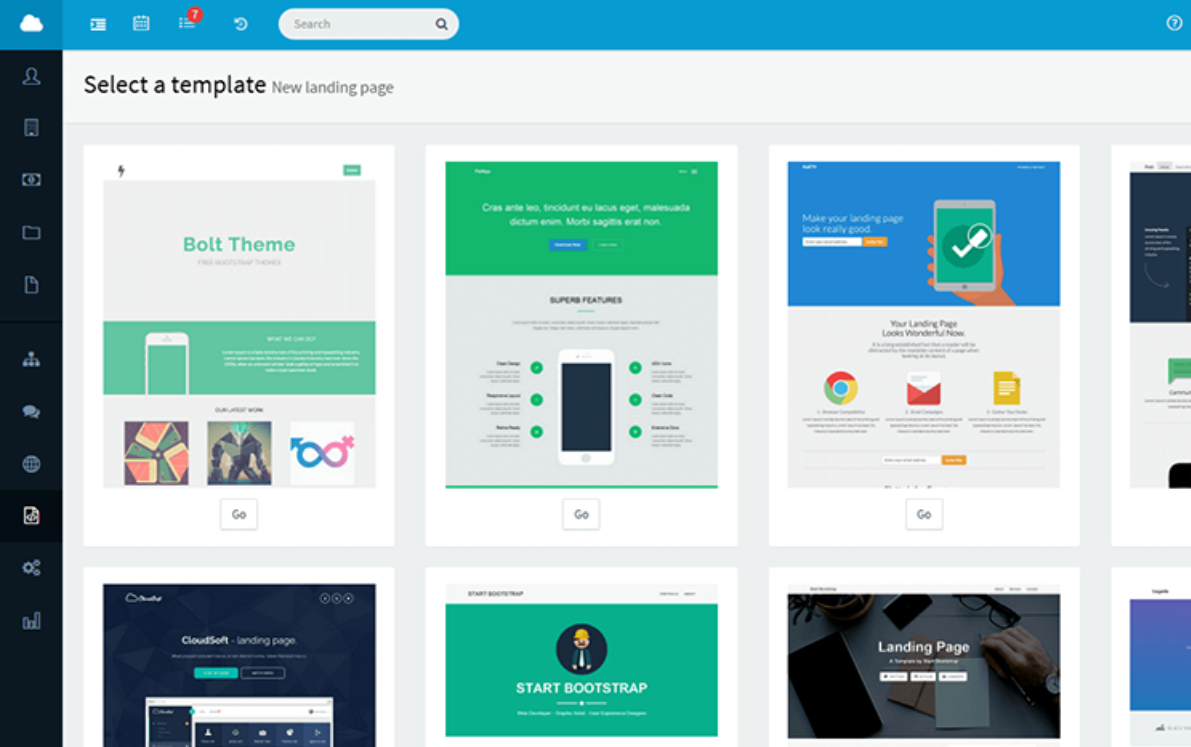
The difference between an average landing page and a great one isn’t design talent or a big budget. It’s optimization — systematically improving each element based on data and best practices.
In this guide, you’ll learn 15 proven strategies to optimize your landing pages for higher conversions — whether you’re collecting emails, selling products, or booking demos.
What Is Landing Page Optimization? — Strategies Guide
Landing page optimization (LPO) is the process of improving elements on a landing page to increase the percentage of visitors who complete your desired action — sign up, purchase, download, or register.
It’s not about making your page “look better.” It’s about making it convert better.
15 Landing Page Optimization Strategies
1. Write a Conversion-Focused Headline
Your headline is the first thing visitors read. It must immediately answer: “Am I in the right place?”
Headline formula: [Benefit] + [Timeframe/Effort] + [Specificity]
| ❌ Weak Headline | ✅ Strong Headline |
| “Email Marketing Software” | “Send Better Emails in 15 Minutes a Day” |
| “Learn Marketing” | “Master Email Marketing: Free 5-Day Course” |
| “Our Product” | “Automate Your Marketing and Save 10 Hours Per Week” |
Best practices:
- Match the headline to the ad or link they clicked (message match)
- Keep it under 20 words
- Focus on the outcome, not the features
2. Reduce to ONE Call-to-Action (CTA)
Every additional CTA on your landing page reduces conversions. Pick ONE action and remove everything else.
Remove:
- Navigation menu
- Links to other pages
- Social media buttons
- “Learn more” links
- Footer links (or minimize them)
3. Make Your CTA Button Impossible to Miss
CTA button best practices:
- Use a contrasting color (orange or green on a white page)
- Make it large (at least 44px tall for mobile)
- Use action-oriented text: “Get My Free Guide” > “Submit”
- Place it above the fold AND at the bottom
- Add a micro-commitment: “Start My Free Trial — No Credit Card Required”
4. Add Social Proof
People trust what others trust. Add social proof elements:
Types of social proof:
- Testimonials with photos, names, and titles
- Customer logos (especially recognizable brands)
- Numbers: “Join 50,000+ marketers”
- Ratings and reviews: “4.9/5 average rating”
- Media mentions: “As featured in Forbes, TechCrunch…”
- Case study snippets: “How Company X increased revenue by 200%”
5. Use Benefit-Focused Bullet Points
Features describe what your product does. Benefits describe what the customer gets.
| Feature | Benefit |
| “Visual drag-and-drop builder” | “Build email workflows in 15 minutes — no coding” |
| “30+ automation blocks” | “Handle every marketing scenario without switching tools” |
| “Real-time analytics” | “Know exactly which emails drive revenue” |
Use 3-5 bullet points that answer: “What’s in it for me?”
6. Add Visual Evidence
Show, don’t just tell.
- Product screenshots (not stock photos)
- Demo videos (pages with video can increase conversions by 86%)
- Before/after comparisons
- Lead magnet preview (show the cover of your ebook, pages of your template)
- Dashboard or results screenshots
7. Minimize Form Fields
Every field you add reduces conversion rates by ~10%.
Form field hierarchy (from least to most friction):
- Email only (lowest friction)
- Email + First name
- Email + First name + Last name
- Email + Name + Company
- Email + Name + Company + Phone (highest friction)
Rule of thumb: Only ask for information you genuinely need right now. You can collect more later through progressive profiling.
8. Add Trust Signals
Reduce anxiety by showing visitors their information is safe:
- “No credit card required”
- “Unsubscribe anytime”
- “We won’t share your email”
- SSL certificate (the padlock in the browser)
- Money-back guarantee badge
- GDPR/privacy compliance statement
9. Optimize for Mobile
Over 50% of landing page traffic comes from mobile devices.
Mobile optimization checklist:
- [ ] Page loads in under 3 seconds
- [ ] Text is readable without zooming (16px minimum)
- [ ] Buttons are at least 44x44px (thumb-friendly)
- [ ] Forms are short (1-2 fields max on mobile)
- [ ] No horizontal scrolling
- [ ] Images scale properly
10. Use Directional Cues
Guide visitors’ eyes toward your CTA:
- Arrows pointing to the form or button
- Images of people looking toward the CTA
- White space that frames the CTA
- A visual path (content flows naturally to the button)
11. Leverage Scarcity and Urgency
When appropriate, use limited-time or limited-quantity framing:
- “Only 50 spots available”
- “Early bird pricing ends Friday”
- “Download free — this week only”
- “Offer expires in [countdown timer]”
Important: Only use real scarcity. Fake urgency destroys trust.
12. Match Message Across the Funnel
Your landing page headline should match the ad, email, or link the visitor clicked. This is called “message match” — and it’s one of the biggest factors in conversion.
If your ad says “Free Email Marketing Templates,” your landing page headline should say “Download Your Free Email Marketing Templates” — not “Welcome to ClickSuccess.”
13. Remove Distractions
Eliminate anything that doesn’t directly support the conversion goal:
- No navigation menu
- No sidebar
- No links to other pages
- No competing CTAs
- No unnecessary images or animations
A focused page is a high-converting page.
14. A/B Test One Element at a Time
Don’t guess what works — test it.
Elements to test (in priority order):
- Headline (highest impact)
- CTA button (color, text, placement)
- Form length (number of fields)
- Hero image or video
- Social proof placement
- Button color
- Bullet point copy
Testing rule: Change ONE element at a time. Run the test until you have statistical significance. Then test the next element.
15. Speed Up Your Page
A 1-second delay in page load time reduces conversions by 7%.
Speed optimization:
- Compress images (use WebP format)
- Minify CSS and JavaScript
- Use a CDN
- Enable browser caching
- Remove unnecessary scripts and plugins
Test your page speed at: pagespeed.web.dev
Landing Page Optimization Checklist
Use this checklist before launching any landing page:
- [ ] Headline states a clear benefit
- [ ] Headline matches the ad or email they came from
- [ ] Only ONE call-to-action
- [ ] CTA button is contrasting, large, and action-oriented
- [ ] Form has the minimum number of fields
- [ ] 3-5 benefit-focused bullet points
- [ ] Social proof is visible (testimonials, logos, numbers)
- [ ] Visual evidence (screenshot, video, product image)
- [ ] Trust signals are present (guarantee, privacy, no CC required)
- [ ] No navigation or competing links
- [ ] Mobile-optimized (fast load, readable, tappable buttons)
- [ ] Page loads in under 3 seconds
- [ ] Thank-you page is set up (for tracking conversions)
How to Measure Landing Page Performance
Track these metrics:
| Metric | Target |
| Conversion rate | 3-10% (varies by industry) |
| Bounce rate | Under 50% |
| Average time on page | 2+ minutes |
| Form abandonment rate | Under 30% |
| Page load time | Under 3 seconds |
Use tools like: Google Analytics, Hotjar (heatmaps), Google Optimize (A/B testing), and your email platform’s built-in analytics.
A landing page is never “done.” The best marketers continuously test, optimize, and improve. A 1% increase in conversion rate might seem small — but over a year of traffic, it compounds into hundreds or thousands of additional leads and customers.
_Ready to build high-converting landing pages? Try ClickSuccess free — drag-and-drop landing page builder with built-in A/B testing and analytics._
For more CRO insights, see Unbounce’s optimization guide.


 English
 Vietnamese