
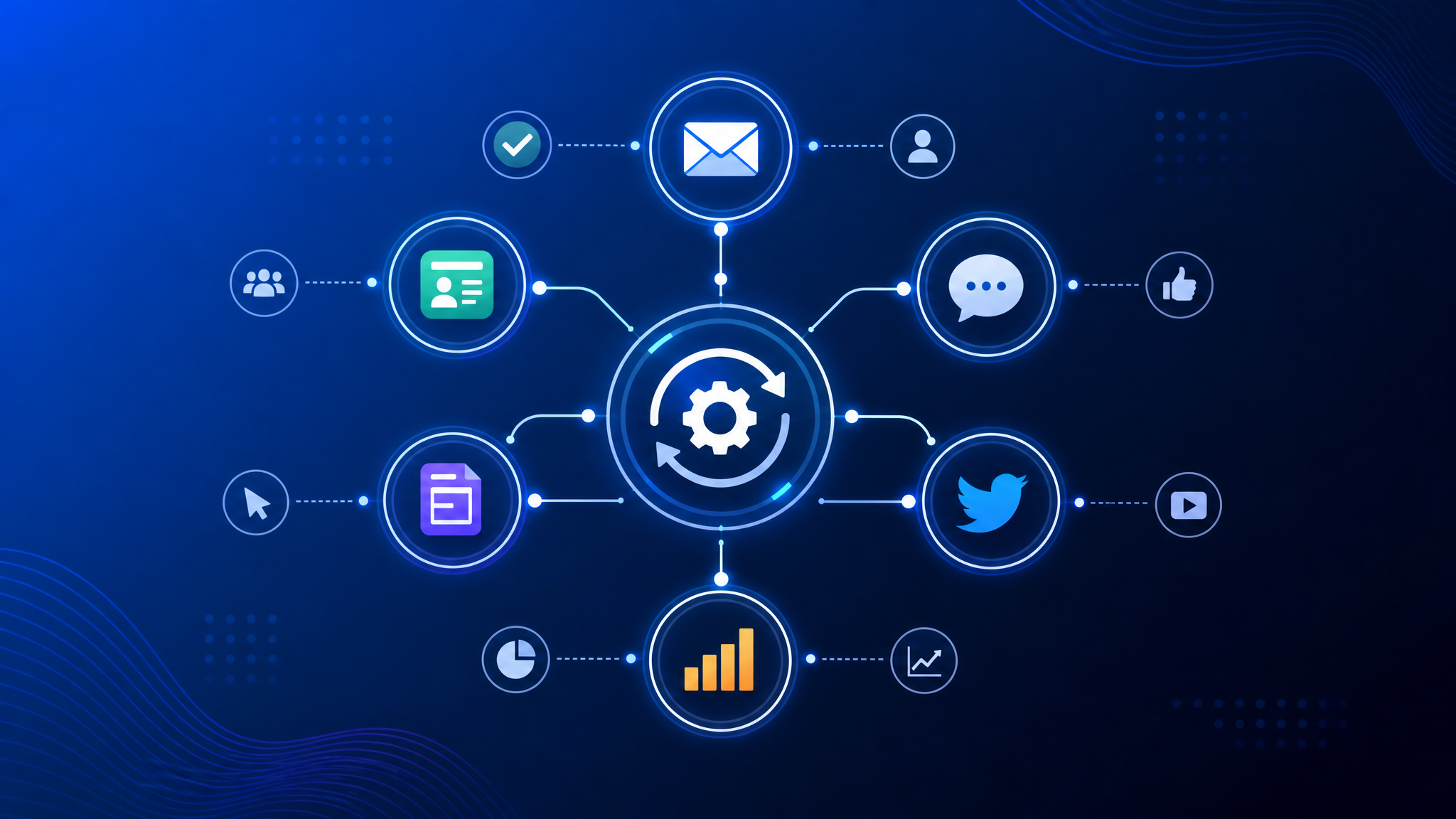
This marketing automation guide for 2026 covers everything from workflows to lead scoring. Businesses using marketing automation see a 451% increase in qualified leads. Yet only 25% of small businesses have adopted it.

That gap? It’s your opportunity.
Marketing automation isn’t just for enterprise companies with six-figure budgets anymore. In 2026, it’s accessible, affordable, and easier to use than ever — especially with visual drag-and-drop builders that require zero coding.
In this comprehensive guide, you’ll learn what marketing automation really is, how it works, and exactly how to build workflows that turn subscribers into customers — automatically.
Marketing Automation: The Complete 2026 Guide
Marketing automation is the process of using software to automate repetitive marketing tasks — like sending emails, segmenting contacts, and scoring leads — based on triggers and conditions you define.
Instead of manually sending a welcome email every time someone signs up, you build a workflow once. The system handles the rest.
The key shift: From batch-and-blast to behavior-based
| Traditional Email Marketing | Marketing Automation |
| Send the same email to everyone | Send personalized emails based on behavior |
| Schedule campaigns manually | Workflows trigger automatically |
| One-size-fits-all messaging | Branching logic that adapts per subscriber |
| Gut-feel optimization | Data-driven decisions from workflow analytics |
| Hours of manual work per campaign | Set it up once, run forever |
Why Marketing Automation Matters in 2026
The numbers don’t lie:
- 80% of marketers report increased leads from marketing automation (Invesp)
- 77% of companies see an increase in conversions after implementing automation (Annuitas)
- Automated emails generate 320% more revenue than non-automated emails (DMA)
- Welcome emails sent via automation have an average open rate of 86% (GetResponse)
But here’s what’s changed in 2026: automation is no longer just about email. Modern platforms connect your email marketing with CRM, e-commerce, SMS, and webhooks — creating a unified customer journey across every touchpoint.
How Marketing Automation Works
Every marketing automation system has three core components:
1. Triggers — The Starting Point
A trigger is an event that launches a subscriber into your workflow:
- Subscription: Someone joins your email list
- Behavioral: Opens an email, clicks a link, visits a page
- Data-based: A field value matches a condition (birthday, location, lead score)
- External: A webhook fires from your CRM, e-commerce store, or payment system
2. Actions — What Happens Next
Actions are the steps your workflow takes:
- Send an email (personalized with dynamic content)
- Wait for a specific time delay
- Move the subscriber to a different list
- Update a contact field
- Fire a webhook to an external system
- Add or remove a tag
3. Logic — The Decision Engine
Logic blocks create branching paths based on subscriber behavior:
- If/else conditions: Did they open the email? YES → Path A, NO → Path B
- Time logic: Only send during business hours
- Status checks: Is this subscriber confirmed? Active? Blacklisted?
Put together, triggers + actions + logic = a marketing automation workflow that runs on autopilot.
7 Marketing Automation Workflows You Can Launch Today
1. The Welcome Sequence
Trigger: New subscriber joins your list
Goal: Introduce your brand, set expectations, drive the first conversion
[Subscriber signs up]
    ↓ (immediately)
[Email 1: Welcome + deliver lead magnet]
    ↓ (2 days)
[Email 2: Your best content or customer success story]
    ↓ (3 days)
[Email 3: Product introduction + special offer]
    ↓ (5 days)
[Email 4: Social proof + "What to expect next"]
Pro tip: Welcome emails have a 86% open rate. Don’t waste it — make email #1 your strongest message.
2. The Lead Nurturing Drip
Trigger: Subscriber downloads a specific resource (ebook, checklist, whitepaper)
Goal: Educate the lead and move them toward a purchase decision
[Lead downloads "Guide to Email Marketing"]
    ↓ (1 day)
[Email: Related blog post — advanced tactics]
    ↓ (3 days)
[Email: Case study — how Company X grew with email marketing]
    ↓ (3 days)
[Condition: Clicked link in email 2?]
    ├─ YES → [Email: "Ready to try? Here's a free trial"]
    └─ NO  → [Email: "Watch this 5-min demo video"]
3. The Abandoned Cart Recovery
Trigger: Shopper adds item to cart but doesn’t complete purchase (via webhook from Shopify/WooCommerce)
Goal: Recover lost sales
[Cart abandoned]
    ↓ (1 hour)
[Email: "You left something behind — complete your order"]
    ↓ (24 hours)
[Email: "Still thinking? Here's why customers love this product"]
    ↓ (48 hours)
[Email: "Last chance — free shipping on your order" + urgency]
Abandoned cart emails average a 10.7% conversion rate — among the highest of any automated email.
4. The Re-Engagement Flow
Trigger: Subscriber hasn’t opened any email in 60 days
Goal: Win them back or clean your list
[60 days inactive]
    ↓
[Email: "We miss you — here's what you've missed"]
    ↓ (5 days)
[Condition: Opened?]
    ├─ YES → [Move to Active list. Send: "Welcome back!"]
    └─ NO  → [Email: "Last chance to stay subscribed"]
              ↓ (7 days)
              [Condition: Still no open?]
              ├─ YES → [Unsubscribe or suppress]
              └─ NO  → [Move to Active list]
Why this matters: Inactive subscribers hurt your deliverability. ISPs watch engagement signals. Clean your list regularly.
5. The Birthday or Anniversary Campaign
Trigger: Contact’s date-of-birth field matches today’s date
Goal: Delight customers and drive repeat purchases
[Today = Subscriber's birthday]
    ↓ (8:00 AM local time)
[Email: "Happy birthday! Here's a gift 🎁" + discount code]
    ↓ (3 days)
[Email: "Your birthday gift expires in 24 hours" — urgency]
Birthday emails generate 342% more revenue per email than standard promotional emails.
6. The Post-Purchase Follow-Up
Trigger: Customer completes a purchase
Goal: Increase retention, gather feedback, drive repeat sales
[Purchase completed]
    ↓ (immediately)
[Email: Order confirmation + thank you]
    ↓ (7 days)
[Email: "How are you enjoying your purchase?" + tips]
    ↓ (21 days)
[Email: Complementary product recommendation]
    ↓ (30 days)
[Email: "Time to reorder?" or feedback survey]
7. The Webinar or Event Sequence
Trigger: Someone registers for your webinar
Goal: Maximize attendance and follow-up conversions
[Registration confirmed]
    ↓ (immediately)
[Email: Confirmation + calendar link]
    ↓ (1 day before)
[Email: "Tomorrow! Here's what you'll learn"]
    ↓ (1 hour before)
[Email: "Starting soon — join link here"]
    ↓ (1 hour after)
[Email: Recording + slides for attendees]
    ↓ (1 day after)
[Email: Special offer for attendees + CTA for no-shows]
How to Choose a Marketing Automation Platform
Not all automation tools are created equal. Here’s what to look for:
1. Visual Workflow Builder
Can you build automation flows by dragging and dropping blocks on a canvas? Or do you need to configure complex rules in forms? A visual builder reduces setup time from hours to minutes.
2. Trigger Variety
Minimum triggers you need:
- Subscription / Unsubscription
- Email open / click
- Contact field value
- Webhook (incoming)
Advanced triggers that give you an edge:
- Date/time-based
- Lead score threshold
- E-commerce events (purchase, cart abandon)
3. Integration Capabilities
Your automation platform needs to talk to your other tools:
- CRM: Sync contact data and lead stages bidirectionally
- E-commerce: Trigger workflows from purchase events
- Webhooks: Connect with anything that has an API
- Zapier/Make: No-code integrations with 5000+ apps
4. Analytics & Reporting
You should see, at minimum:
- How many contacts entered each workflow
- Completion rate (how many finished vs. dropped off)
- Per-email performance within a workflow
- Revenue attribution (which workflows drive sales)
5. Deliverability Infrastructure
All the automation in the world means nothing if your emails land in spam. Look for:
- DKIM, SPF, DMARC support
- Sending domain verification
- Email warm-up capabilities
- Deliverability reporting
Marketing Automation Best Practices
Start Simple, Then Scale
Don’t try to build a 20-step workflow with 8 branches on day one. Start with:
- A welcome sequence
- A single follow-up automation
- One abandoned cart workflow
Master those, then add complexity.
Always Test Before Activating
Before turning a workflow live:
- Run yourself through it with a test email
- Check every branch (YES and NO paths)
- Verify emails render correctly on mobile
- Confirm webhooks are firing correctly
Use Time Delays Strategically
- B2B: Space emails 2-5 days apart
- E-commerce: Space emails 1-3 days apart
- Event reminders: Send 1 week, 1 day, and 1 hour before
- Re-engagement: Longer gaps (5-7 days) to avoid annoying inactive subscribers
Segment Before You Automate
Automation is powerful — but it’s worthless if you’re sending the wrong message. Before building workflows:
- Segment by interest (what did they sign up for?)
- Segment by behavior (what have they clicked on?)
- Segment by stage (new lead vs. existing customer)
Monitor and Optimize Monthly
Set a calendar reminder. Every month, review your automation performance:
- Which workflow has the highest drop-off rate?
- Which email in the sequence has the lowest open rate?
- Where are contacts getting stuck?
- What’s your ROI per workflow?
The Future of Marketing Automation
Marketing automation in 2026 is heading in three clear directions:
1. AI-Powered Optimization
AI is moving beyond content generation into workflow optimization — suggesting the best send times, predicting which branch a lead should follow, and auto-adjusting delays based on engagement patterns.
2. Omnichannel Automation
Email is still king, but modern automation connects the dots across email, SMS, push notifications, and ad audiences. A single workflow can orchestrate touchpoints across every channel.
3. Predictive Lead Scoring
Instead of manually assigning lead scores, machine learning models analyze your historical conversion data and automatically score new leads based on the behaviors that actually predict a sale.
Start Automating Today
Marketing automation isn’t a “nice to have” anymore — it’s the foundation of efficient, scalable growth. Whether you’re a solo founder sending welcome emails or a marketing team orchestrating complex omnichannel journeys, the right automation platform pays for itself in hours saved and revenue generated.
The best time to start was yesterday. The second best time is now.
_Ready to automate your marketing? Start your free trial with ClickSuccess — build your first workflow in under 15 minutes._
For deeper insights, read HubSpot’s marketing automation guide.


 English
 Vietnamese